
Field Operations
HVAC Dispatch Software: What Separates A Board From A Calendar
2 min readJobOpsPro
Drive time, shop-anchored routes, urgency, and live status are what make a dispatch board worth using.
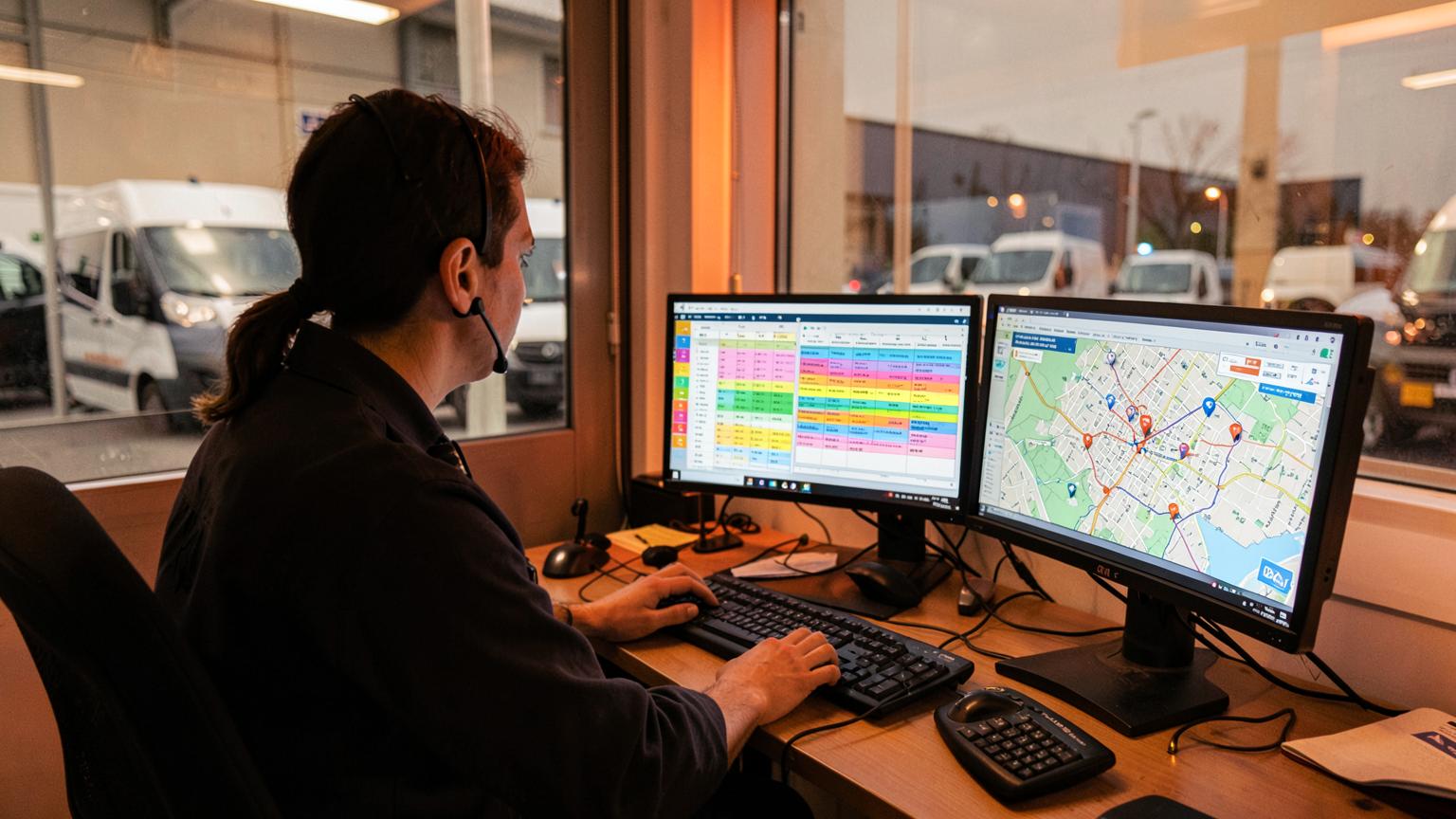
A calendar tells you when work is scheduled. A dispatch board tells you whether the day is going to hold. The difference is drive time, technician status, and the ability to move work in seconds.
Route sequencing beats manual ordering
Dispatchers who order stops by hand optimize for the map in their head. Real sequencing considers three different goals, and good dispatch software lets you pick which one matters today:
- Shortest drive to cut windshield time across the whole route.
- Appointment time to protect promised arrival windows first.
- Urgency to push no-heat and no-cool calls to the front.
Start every route at the shop
Most route math quietly assumes the day begins at the first stop. It does not — it begins at your shop, where the truck is loaded. Anchoring routes to a shop address changes both the first leg's mileage and, often, the best order for the rest of the day. Set the shop address once and every route calculation gets more honest.
Status that changes color
A board earns its keep when a dispatcher can glance at it and see trouble: a stop running past its window, a tech who has not moved, a job with no parts confirmed. Status should flare before a customer calls to ask where the truck is, not after.
The 4:45pm test
Late in the day, a tech finds a failed compressor and will be on site two more hours. Two stops must move. On a real dispatch board that is three actions: reassign, re-sequence, notify. On a calendar it is a phone call, a text, and a manual rewrite that somebody forgets to tell the customer about.
What the office should see
- Total stops and how many are complete.
- Which routes are behind, and by how much.
- Unassigned work still sitting in the queue.
- Drive miles per technician for the day.
Put it on the wall
A wall-mounted day board keeps the whole office honest: crew lanes, late work in red, work ready to invoice, and money owed. When everyone can see the same picture, the 3pm scramble usually stops happening.
JobOpsPro includes dispatch, route optimization with live maps, a shop-anchored start point, and a TV day board at $25 per user per month.